This content is unavailable. Please contact customer service for more information.
Already a subscriber? Login or Activate your account.
You've reached the end of the standard E-Edition.
This content is unavailable. Please contact customer service for more information.
News
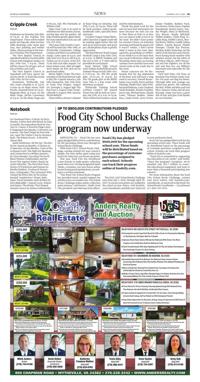
Up to $800,000 contributions pledged
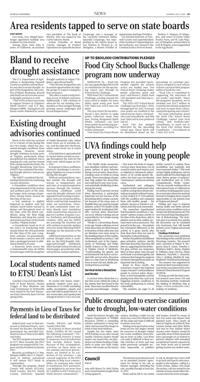
Food City School Bucks Challenge program now underway (copy)
ABINGDON, Va. – Food City has once again pledged $800,000 in contributions for the upcoming school year through its School Bucks Challenge.
With Food City’s School Bucks Challenge, earning rewards for your school is simple. For every dollar spent using your Food City ValuCard, you’ll earn one point.
This year, Food City has introduced a new feature to make points collection easier than ever. During designated Spirit Weeks, customers can earn bonus points by purchasing participating items, according to a written statement.
“Our Food City School Bucks Program has provided much-needed support for schools across our market area. Our School Bucks Challenge makes points collection quick and easy,” said Steven C. Smith, Food City president and chief executive officer.
The 2026-2027 School Bucks Challenge runs from July 1, 2026, through April 30, 2027. To ensure your points are credited to the school of your choice, visit foodcity.com/schoolbucks and link your ValuCard to your preferred school.
Food City has pledged $800,000 for the upcoming school year. These funds will be distributed based on the percentage of customer purchases assigned to each school. Schools can track their progress online at foodcity.com.
“Food City is committed to supporting the education of our youth,” said Smith. “Since the program’s inception, we’ve awarded over $23.7 million in essential educational equipment and tools to more than a thousand participating area schools”.
For more information about the Food City School Bucks Challenge, contact your local school, visit foodcity.com/schoolbucks, or reach out to the Food City School Bucks Coordinator - Lisa Johnson at 1-800-232-0174.
Click and hold your mouse button on the page to select the area you wish to save or print.
You can click and drag the clipping box to move it or click and drag in the bottom right corner to resize it.
When you're happy with your selection, click the checkmark icon next to the clipping area to continue.